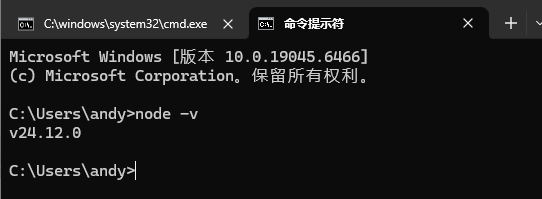
1、安装高版本的nodejs
node -v
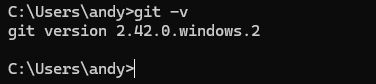
2、安装git
git -v
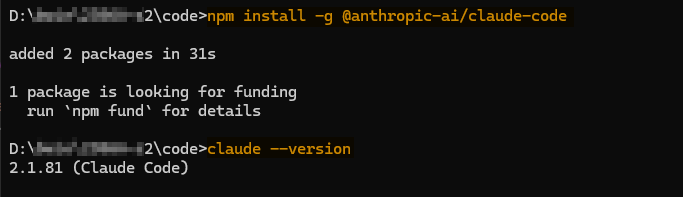
3、安装ClaudeCode
# 安装claude-code
npm install -g @anthropic-ai/claude-code

# 查看版本
claude --version
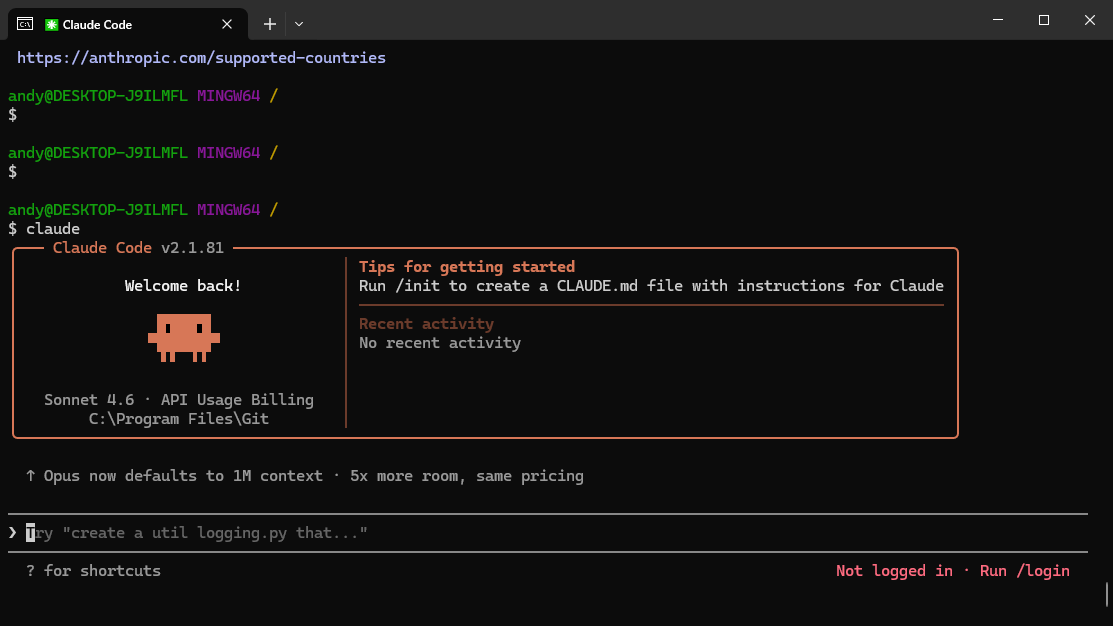
4、运行claude-code
claude
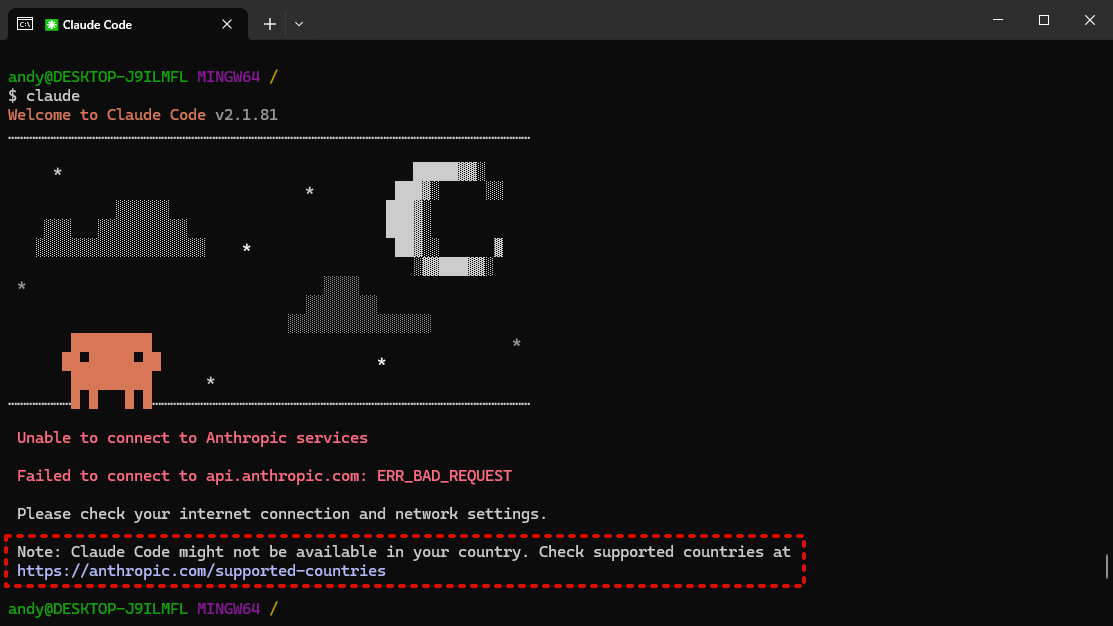
运行后,可能如出现如下错误:
Claude Code might not be available in your country. Check supported countries at
解决方法:
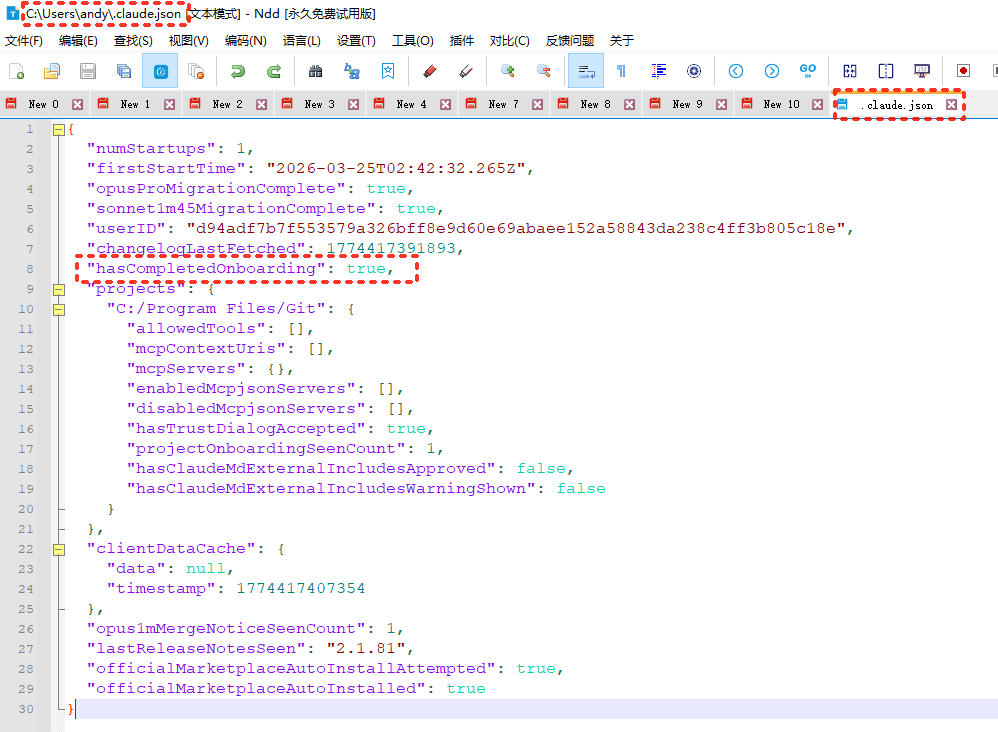
修改配置文件 :C:\Users\Jian.claude.json(我的用户名Jian, 将Jian替换为你的用户名): 在最后添加 “hasCompletedOnboarding”: true
完成文件如下:
{
  "numStartups": 1,
  "firstStartTime": "2026-03-25T02:42:32.265Z",
  "opusProMigrationComplete": true,
  "sonnet1m45MigrationComplete": true,
  "userID": "d94adf7b7f553579a326bff8e9d60e69abaee152a58843da238c4ff3b805c18e",
  "changelogLastFetched": 1774417391893,
  "hasCompletedOnboarding": true,
  "projects": {
    "C:/Program Files/Git": {
      "allowedTools": [],
      "mcpContextUris": [],
      "mcpServers": {},
      "enabledMcpjsonServers": [],
      "disabledMcpjsonServers": [],
      "hasTrustDialogAccepted": true,
      "projectOnboardingSeenCount": 1,
      "hasClaudeMdExternalIncludesApproved": false,
      "hasClaudeMdExternalIncludesWarningShown": false
    }
  },
  "clientDataCache": {
    "data": null,
    "timestamp": 1774417407354
  },
  "opus1mMergeNoticeSeenCount": 1,
  "lastReleaseNotesSeen": "2.1.81",
  "officialMarketplaceAutoInstallAttempted": true,
  "officialMarketplaceAutoInstalled": true
}
正常运行后的结果: